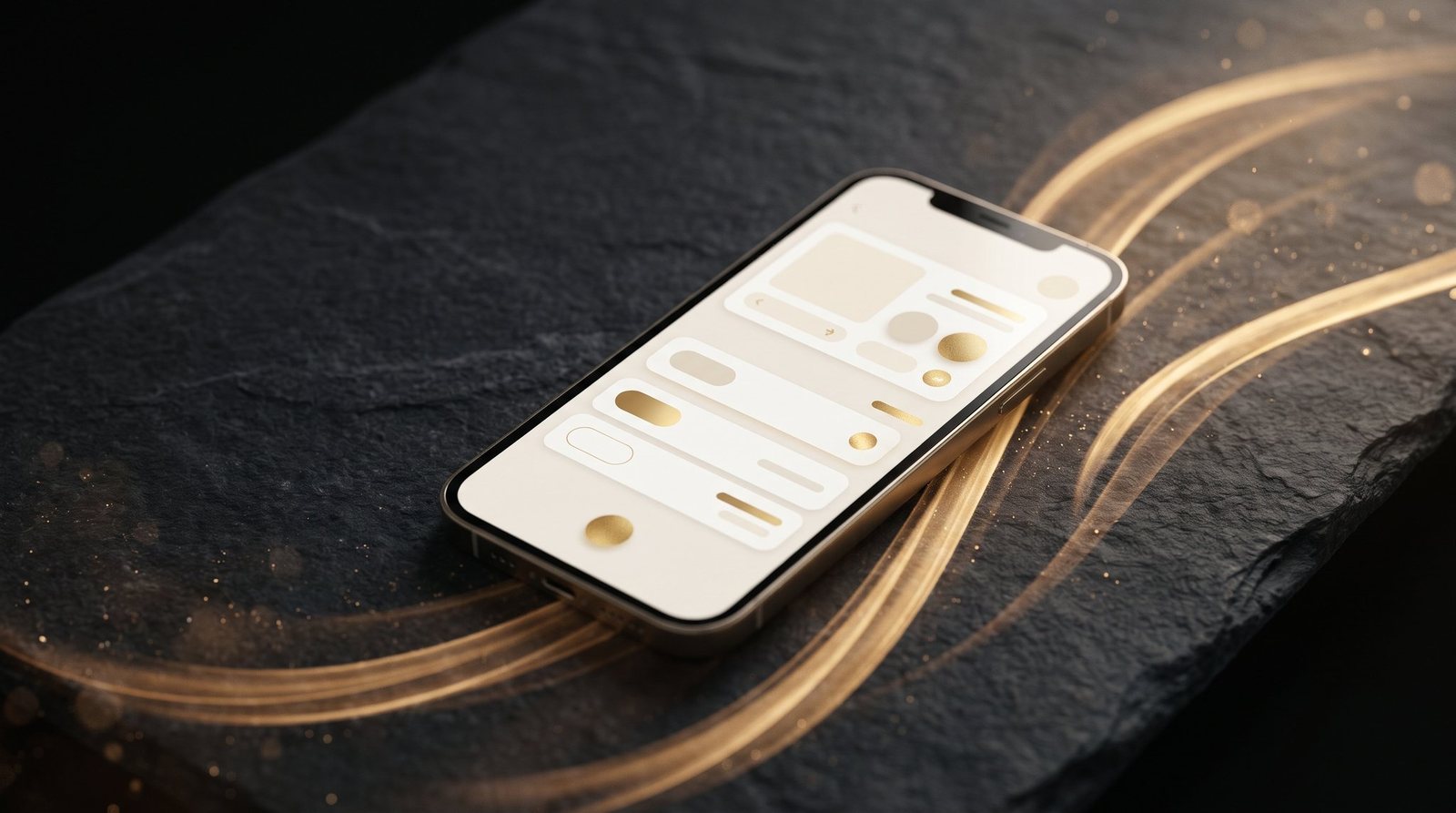
Micro-interactions: The Secret to Engaging User Interfaces
Explore the psychology and craft of micro-interactions in UI design, from Figma prototyping to implementation—small details that create memorable experiences.


Micro-interactions are the subtle animations and feedback that occur when users interact with interface elements. A button that depresses slightly on click, a toggle that slides with satisfying momentum, a success checkmark that draws itself—these moments transform functional interfaces into delightful experiences. The psychology is clear: users perceive responsive, animated interfaces as more trustworthy and enjoyable.
Figma has become the standard for designing and prototyping micro-interactions. With Smart Animate, component variants, and prototyping tools, designers can communicate motion intent before a single line of code is written. The key is restraint: micro-interactions should feel instantaneous (under 300ms for most feedback) and purposeful. Every animation should answer 'why' before 'how'.
Implementation bridges design and reality. CSS transitions handle simple cases; for complex choreography, consider Framer Motion or Vue's transition system. Remember: micro-interactions must respect prefers-reduced-motion for accessibility. The best micro-interactions are invisible until you notice their absence—they make interfaces feel alive without demanding attention.